

Recent Updates
We launched AI learning feature.

Tradingview Screeners
A screener will help a trader to find securities with custom filters/criteria. TradingView.com has Crypto screeners, Stock Screeners and Forex Screeners available for a trader to quickly apply filters and find securities of that specific type. With a Stock screener,...
What brokers are available on Tradingview ?
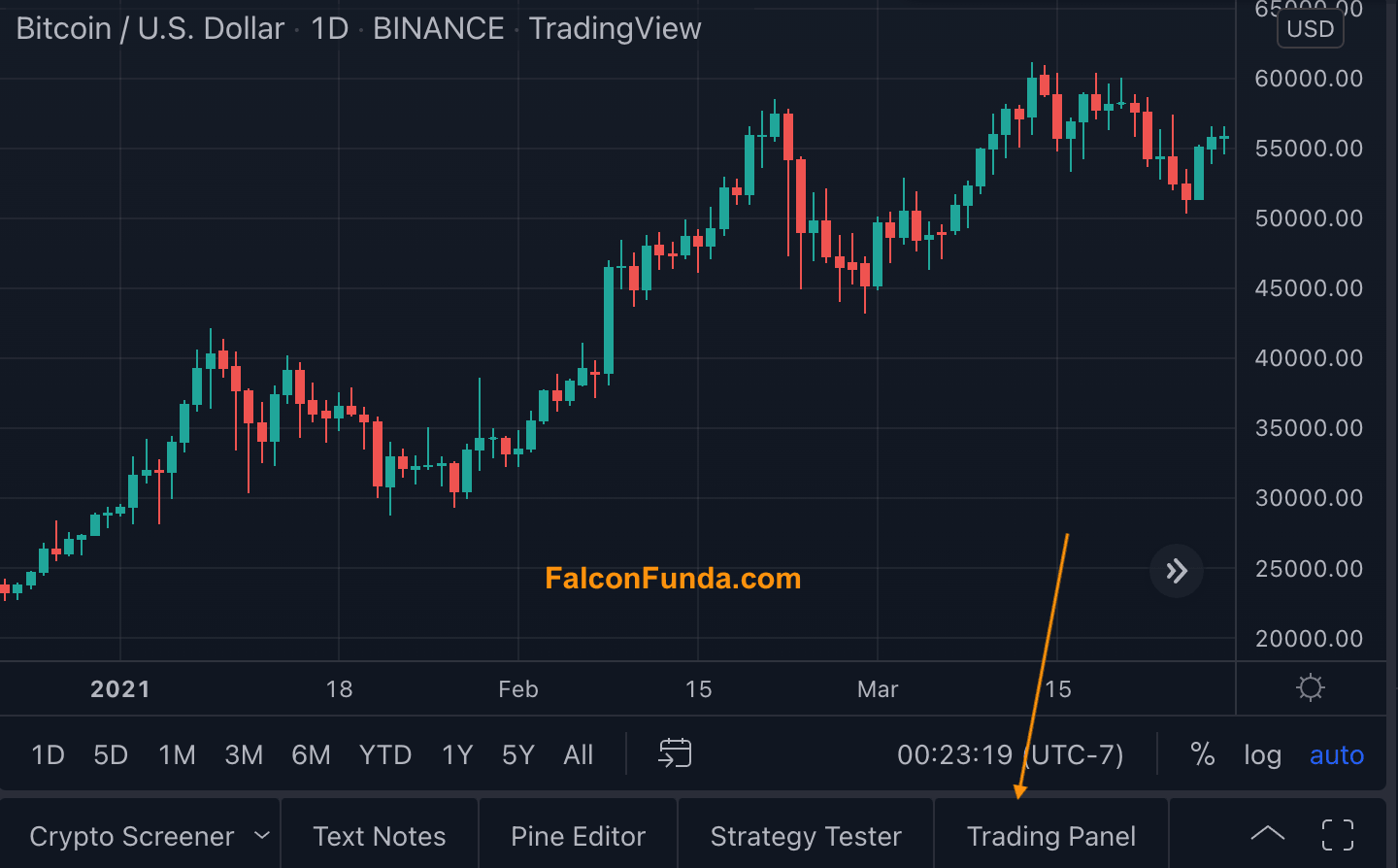
Did you know that you can connect your broker on TradingView.com and place trades directly from your charts? TradingView.com supported brokers list changes from country to country. Using these brokers, you can trade Currencies, CFDs, Crypto, Indices, Options, Futures,...
Market Crash 2022
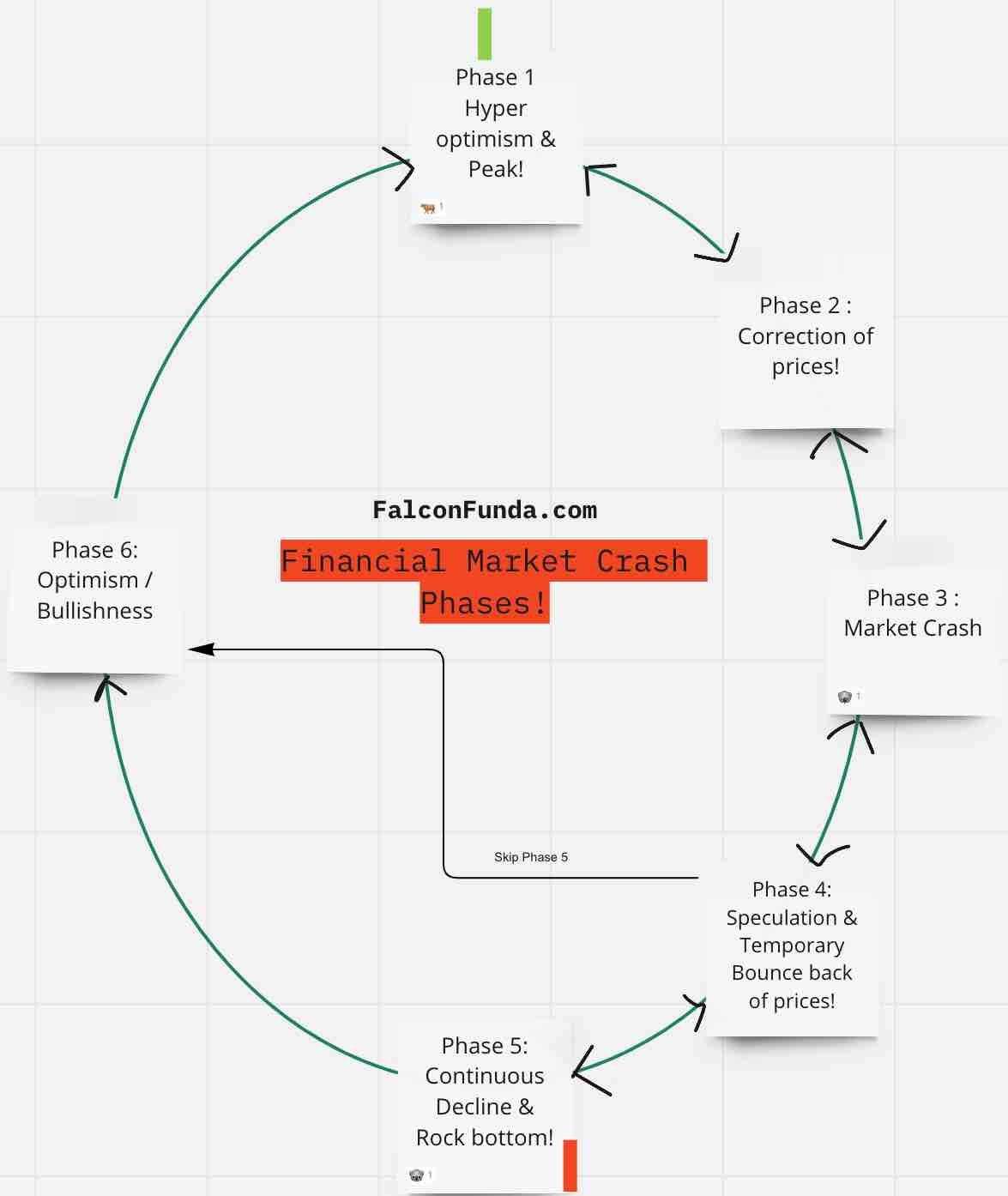
So financial markets have crashed this week and are still very volatile. Here are the most important things you need to know about the market crash. Market Crash Definition: A market crash happens when indexes ( S&P 500, Dow Jones ) and individual securities (...
How to find advanced technical summary of your Tradingview chart ?
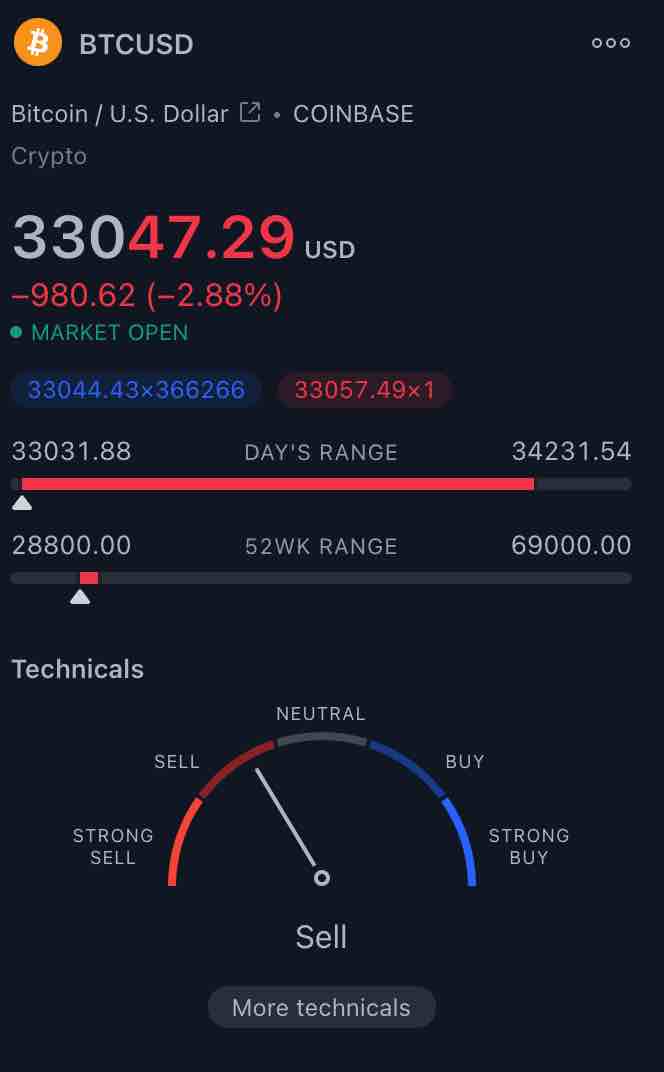
On your TradingView chart(s), follow the below steps to find an advanced technical analysis summary : 1)Open your TradingView chart. 2)Make sure your watchlist is open on the right-hand side. 3)On the far bottom right-hand side you will see, the analysis and summary...
Inflation, Interest rate rise, Global markets chaos and upcoming recession… How the economy works?
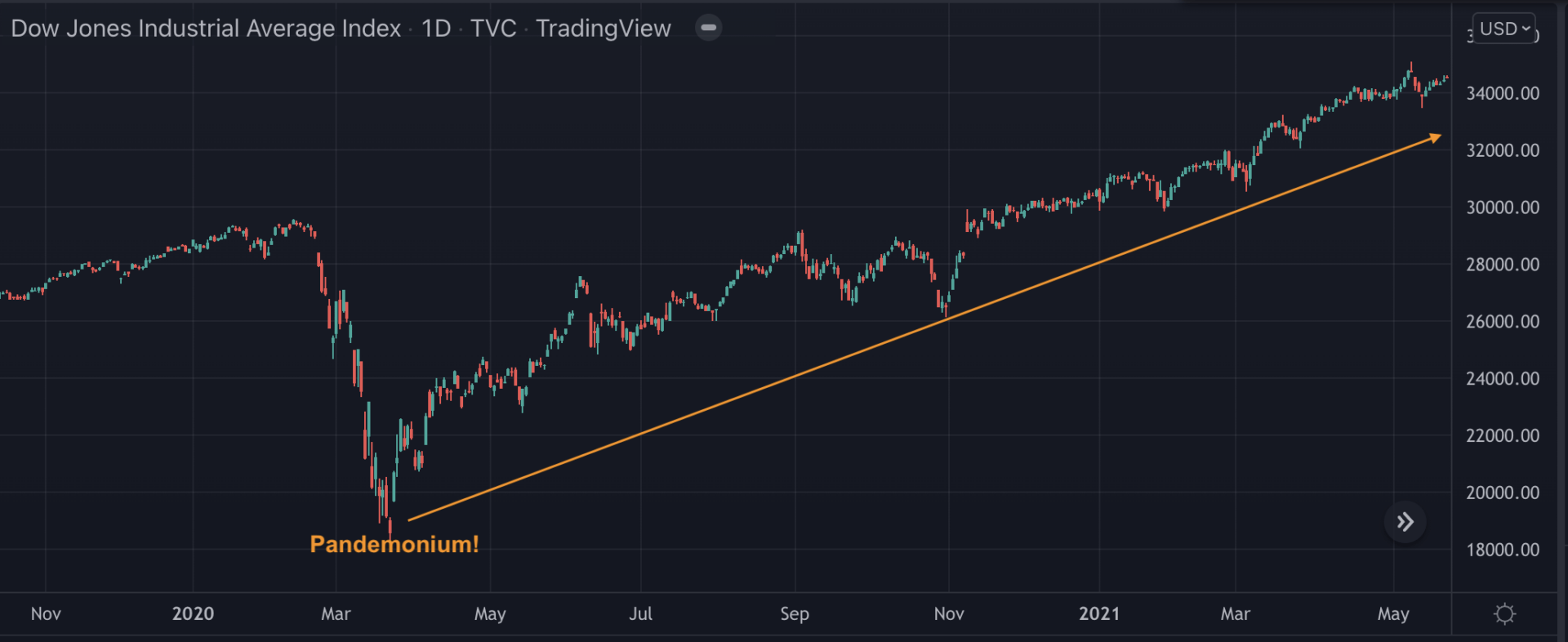
Inflation, Interest rate rise, Global market chaos, Upcoming recession in 2022 ….? As a financial trader/ investor, do you understand how the economy works? – Learn from legendary investor Ray Dalio by watching this video! ...

A Beginner’s Guide to Using Aroon Indicator for Trading
Aroon Indicator is a chart underlay indicator used by traders /investors to identify the trends and also their strengths. Introduction: Aroon Indicator is a useful tool for traders and investors who want to identify trends and their strengths. It’s available...

How to capture image of your TradingView Chart ?
Follow the below steps to capture an image of your TradingView Chart. 1) Open your TradingView chart. 2) On the top right-hand side, you will see a ‘Take a Snapshot‘ camera like icon – it is just beside Publish button. 3) Click on this camera...

How much money to allocate for trading as a beginner ?
As a beginner, are you debating how much money to allocate for trading? You can use FalconFunda’s below 4D’’s approach to determine your budget. Following these steps will give clarity on your financial situation and have a sense of control instead of...
Join the 30 Day Forex Quest with FinTorro x Star Trader
StarTrader – The 30 Day Forex Quest Introduction : Have you ever looked at a chart and wondered, “Should I buy or sell?” Have you ever wanted to learn trading — not from a textbook, but from real charts in real market conditions? Now’s...